
Starting a Blog from Scratch?
From Blogger to Google Sites, and then to Astro + Cloudflare, I have been exploring the journey of building my own blog.
Want to start a blog but don’t know where to begin?
I started with Blogger and eventually built a site using Astro + Cloudflare, encountering many pitfalls along the way, and slowly found my own method.
Why Start Writing?
If you ask why I started writing a blog, I must mention my employment anxiety.
At first, I chose Google Blogger because it allows ad placement and brings in some revenue.
But interestingly: my main website passed the Adsense review, yet Blogger never did.
I thought it was because of “insufficient content,” but no matter how much I wrote, it still didn’t help…
Platforms I Have Tried
1. Blogger
- ✅ Pros: Can directly place Adsense, relatively complete templates
- ❌ Cons: Difficult to pass review, limited customization
2. Google Sites
- ✅ Pros: Extremely easy to use, suitable for portfolios
- ❌ Cons: Basic design, very low flexibility

▲ This is the first portfolio page I created using Google Sites, it looks very basic XD
3. Astro + Github or Cloudflare
- ✅ Pros: Completely free, good performance, design freedom
- ❌ Cons: Requires some understanding of Git & site-building processes
Initially, I didn’t write a lot of HTML + JavaScript; instead, I wanted to digitize things and store them for my students to see.
Later, I discovered that using the Astro template with Cloudflare Pages was fast and free, so I continued on this path.
As for Github, I’m not too familiar with it either; basically, just download Github Desktop and continuously push updates to the Repo, no need to learn too much~
What Does the Final Product Look Like?
This is what the main site currently looks like:
Here are some blog screenshots:
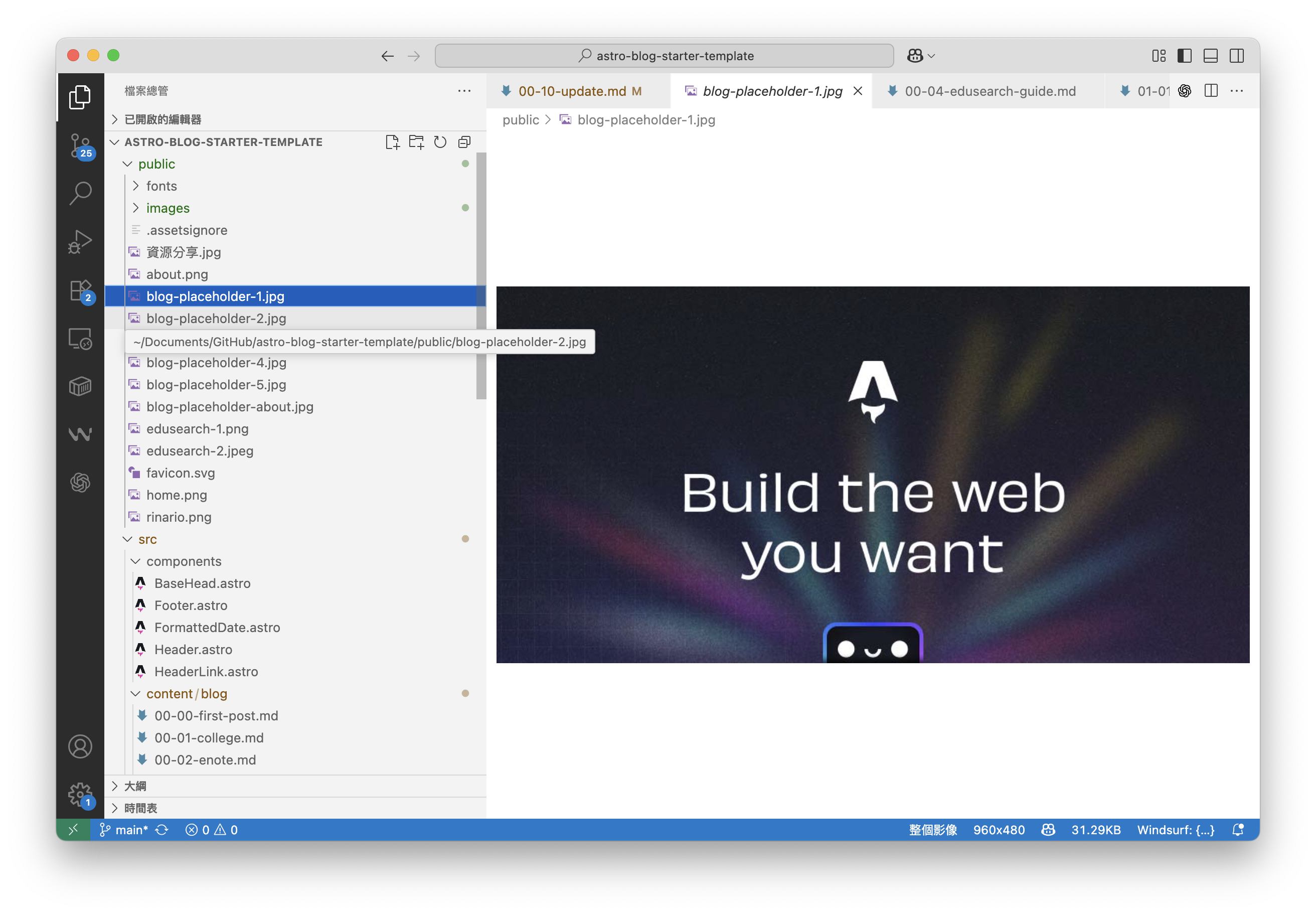
Technical Process (Simplified)
Friends who are interested can refer to my process:
- Create a repo on Github (can be private)
- Use Astro to create the project and push the content to Github
- Connect to Cloudflare Pages for automatic deployment to a public URL
👉 Process illustration:
content → Github (private) → Cloudflare → public
Why not use the original hosting where I bought the domain? Because it costs money 😂 and Cloudflare can do it for free.
Reflections and Encouragement
Looking back, I feel quite embarrassed; from Google Sites to the current Astro Blog, I’ve really tried many times.
But the process also helped me slowly find my own style:
- I can freely adjust the layout
- I can write technical, travel, and teaching articles simultaneously
- It also makes my “learning journey” more complete
If you also want to write a blog, you don’t have to achieve perfection from the start.
Just write a few posts casually, and the blog will start to take shape.
Adjusting it later is more important than getting stuck on “whether to start.”
✍️ This is my story of building a site, and I hope it can inspire you a bit!